 |
Key Points
- A laboratory practicum or lab assesses a student’s ability to apply theory to real-world situation.
- Students are required to complete and submit their work within the lab.
- Practicing and knowing your content is essential to completing the task clearly and confidently.
|
What is a lab assessment?
In a lab the student’s ability to apply theoretical learning to practical, real–world situations are assessed. It often requires the student to use or relevant software or programming languages, or problem-solving techniques depending on subject area. Students may be asked to complete tasks such as designing, running and testing configurations or simulations; writing codes or scripts to solve problems; analysing data or outputs and presenting findings and producing documentation, diagrams or reports to support technical work. Attendance is mandatory as the lab work must be completed and submitted during the scheduled session. Being able to complete the lab work correctly and within the time limit is an essential skill to demonstrate that the student has understood the theory and able to apply it in practice.
Checklist a lab assessment
|
1. Before the lab assessment
- Check your assessment brief and add all assessment dates to your calendar to avoid missing labs.
- Review key concepts using lecture and lab content and assigned readings.
- Check emails and/or announcements from your lecturer regularly for lab work details.
- Confirm what resources are allowed and organise them using bookmarks and highlighting.
- If you are unable to attend class due to illness or other circumstances gather supporting documentation to apply for special consideration.
2. During the lab assessment
- Check public transport or parking and plan extra time to arrive to the class on time.
- Log in to the computer and check the required software is working.
- Listen actively during instructions. Ask questions if something is unclear.
- Allow time to check your answers
- Save your work regularly and include your name in the file name.
- Submit/upload your work on time. Check that you have submitted the correct file and include your name and student ID.
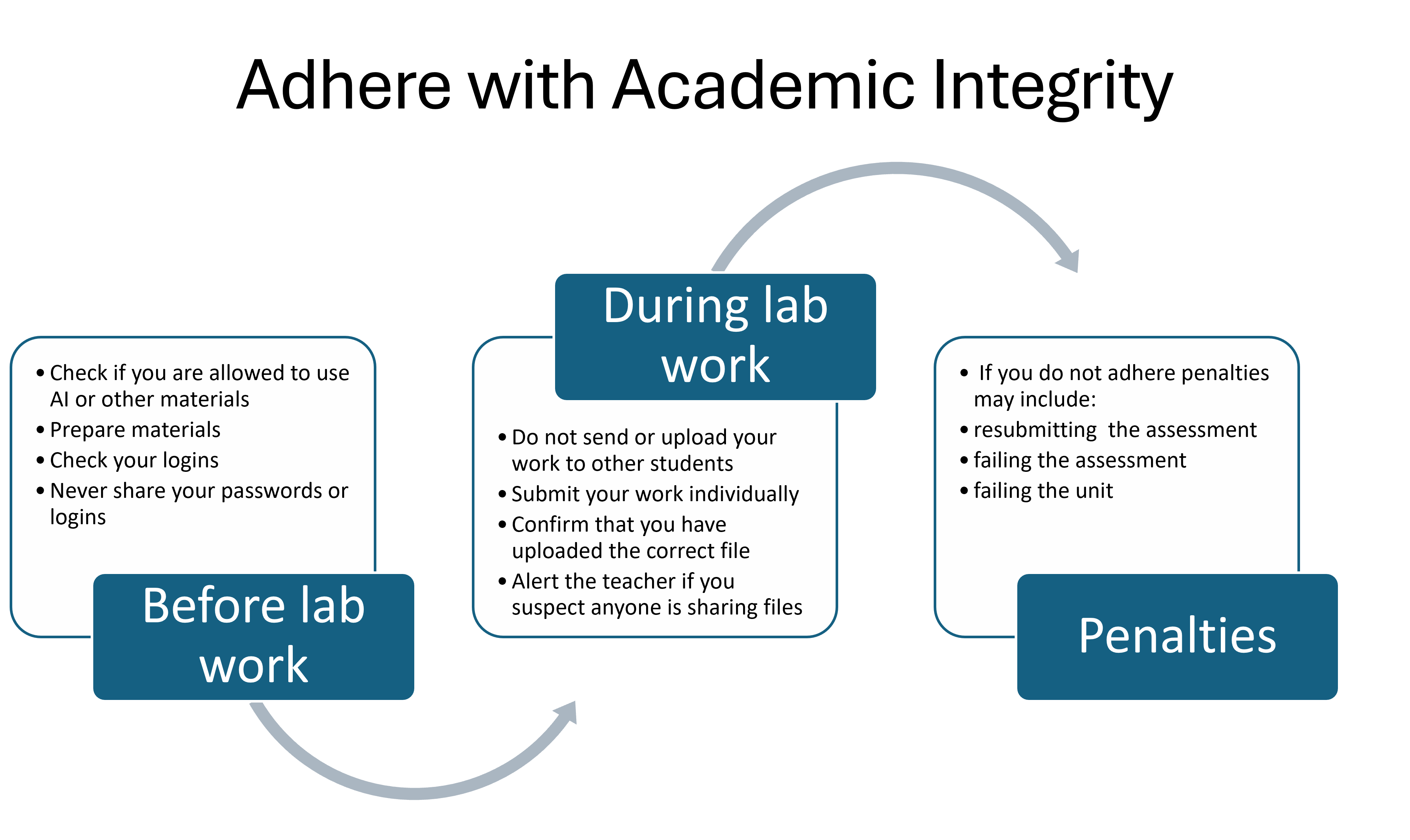
- Adhere with academic integrity.
3. After the lab assessment
- Take photos/screenshots of your setup or code if you need to review later.
- Reflect on what went well and what was difficult for next time.
- Review the provided feedback and reach out to your lecturer if you have questions.
|

